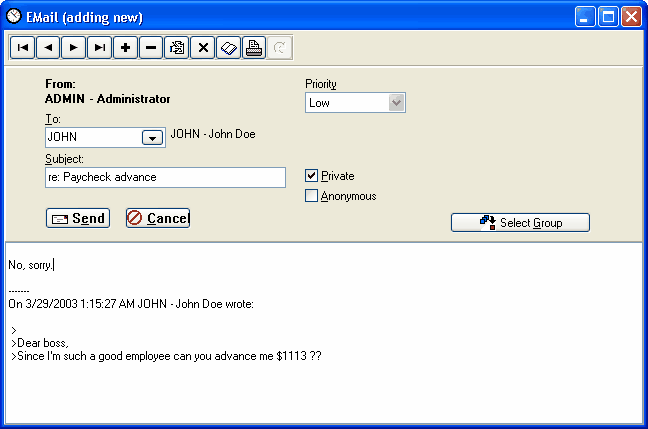
To
Enter the ID of the person to whom you are sending the message. This is a lookup field. Press Tab to move to the subject field.
Subject
Enter the subject of your message and press Tab.
Private
Check this box if the message is to be private. Only the person in the To field will be able to read it.
Anonymous
Check this box if you want the message to be anonymous. The recipient will not know the sender.
Message Text
Enter the text of your message.
|
|
Email reply