[Ctrl+S] ( current location )
[Ctrl+Z] ( all locations )
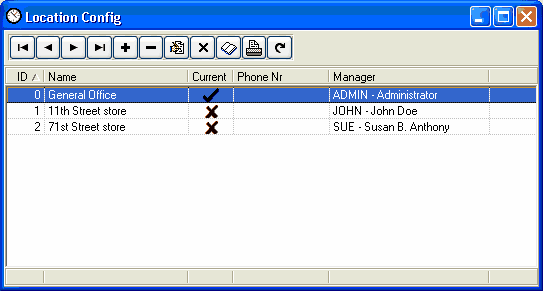
The location file holds most configuration options for Power Clock. Even if you don't have multiple physical locations or stores, you will still have one location in your location file which will represent the computer or network that is running Power Clock.
If using multiple locations then you must add a location record for each physical location in your Power Clock wide area network. For multiple locations, each location can have different configuration options.
Location Configuration screen (browse view)