


Employee browse screen
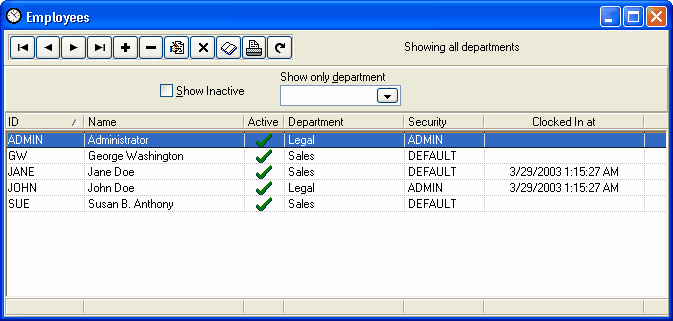
The employee browse screen will show only those employees in the currently logged in user's department. If the currently logged in user is a manager of any departments, those departments will also be shown. The employee must be set as the manager in the department record.
If "View All Departments" is enabled in the employee's security profile then the employee can view and edit all employees.
Show Inactive
Check this box to show inactive employees in the list.
Show only department
If you want to show only a specific department then enter the department ID here.