


The Email window shows all messages sent to you as well as messages you have sent. You may also see messages to other people if the sender did not make it a private message. You must log in before you have access to read or send Email.
Email Browser
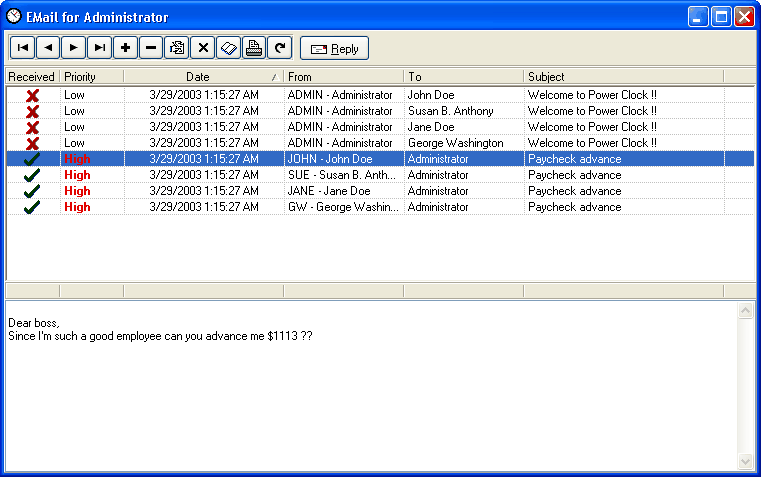
The top pane of the Email window shows the message header. The bottom pane shows the message text of the currently highlighted message header. You may move the highlight bar up or down to read other messages. You may also press Enter to view the current message. If the message is from you then pressing Enter allows you to edit the message you previously sent.
Reply
Shortcut: Alt+R
The Reply button opens the message editing window with a new blank message. The message will be addressed to the sender of the highlighted message. You will also be asked if you want to quote the original message. If you answer yes then the text of the original message will be inserted in your new message. Quoting the original message is a good way to let the recipient know exactly what points of his message that you are replying to.
New Message
Shortcut: Insert
Opens the message-editing window with a blank message. You must then address the message and give it a subject.
|
|
Shortcut: Enter
Opens the message editing window with the currently highlighted message loaded into it. If the highlighted message is from you then you are allowed to change anything in it.
Delete
Shortcut: Delete
Deletes the currently selected message. Be careful not to delete a message from you until the recipient has received it. You can not delete a message sent to a group unless that message is from you.